
Knowledge Library
Driver topics made easy to understand
Browse clear educational guides about software drivers and how printers, audio devices, graphics, USB, network, Bluetooth, chipset, storage and other hardware work with your computer.
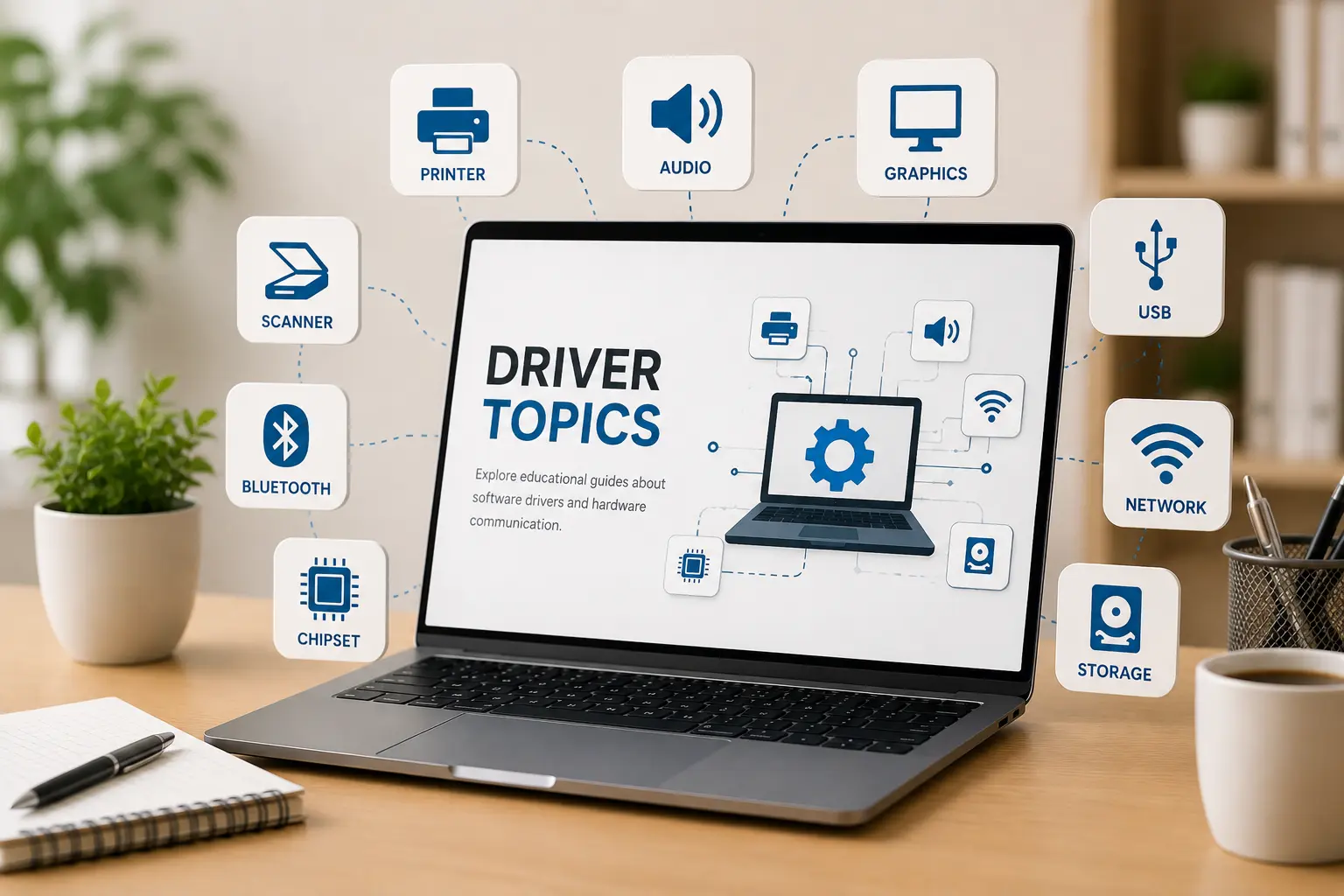
Driver topics
14+ Guides
14+
Driver categories explained in simple words.
Easy
Simple topic flow for beginner learning.
Clear
Understand hardware and operating system communication.
How to Setup & Use Device Drivers
Select a tech category below to view setup pathways, copy diagnostics commands, and jump to guides.
Printer Setup & Diagnostics
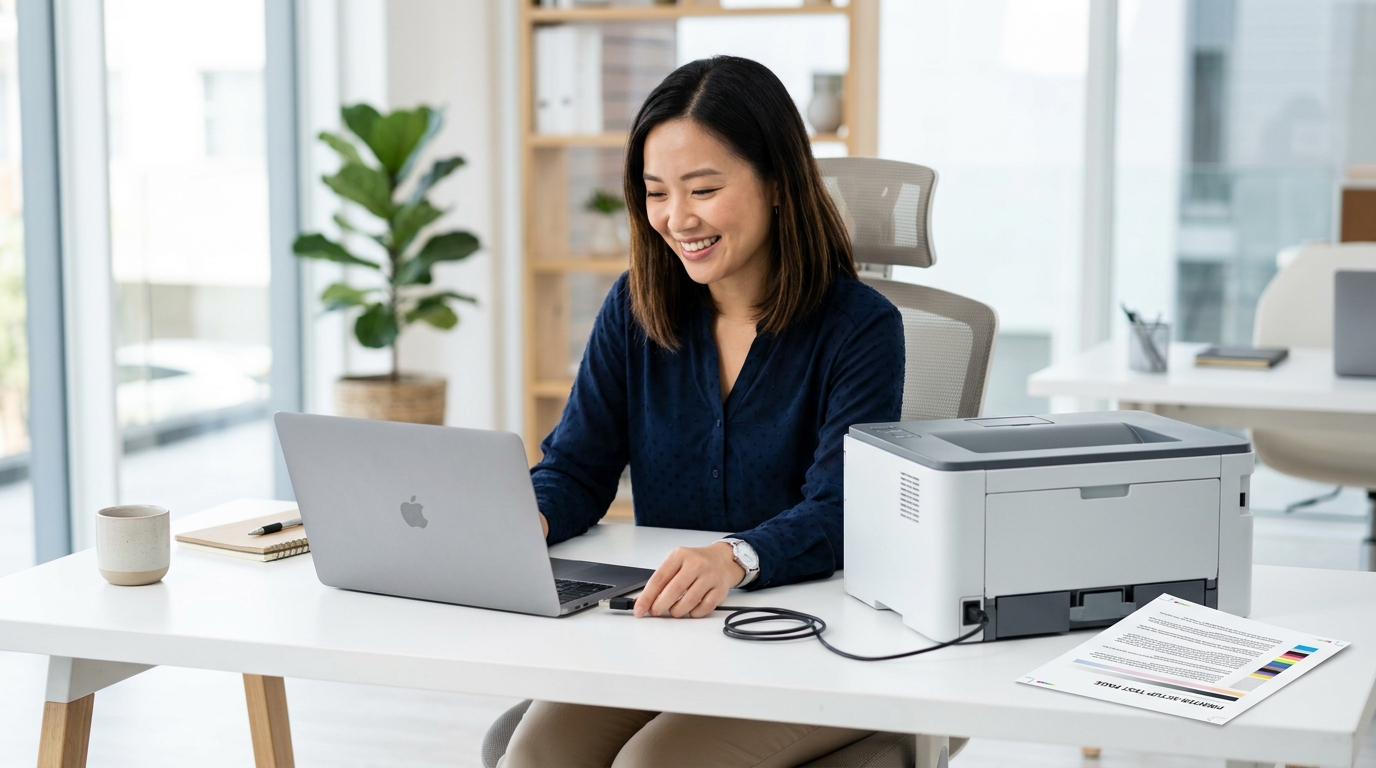
Is your printer refusing to print? Whether you are setting up a brand new printer, trying to connect a wireless printer to your home network, or facing a print spooler error that freezes your documents, find simple solutions for HP, Canon, Epson, and Brother printers.
Printer plugged in but not printing?
Verify if your USB cables or network port links are connected properly.
Stuck documents in print queue?
How to clear print jobs that won't delete and are blocking new prints.
Need to install printer software?
Steps to download and set up official driver files for your model.
net stop spooler && del /Q /F /S "%systemroot%\System32\Spool\Printers\*.*" && net start spooler


Topic Preview
Explore common driver areas
Learn what different driver categories do and how they support computer hardware communication.
Device Output
Printer, audio, scanner, webcam, and display-related learning topics.
Connectivity
WiFi, Ethernet, Bluetooth, USB, and connected device communication basics.
System Hardware
Chipset, storage, BIOS, UEFI, and motherboard-level driver concepts.
Input Devices
Keyboard, touchpad, mouse input, gestures, and basic control behavior.
Learning Path
Understand drivers step by step
Choose Topic
Select a driver category such as printer, audio, USB, Bluetooth, chipset or storage.
Read Concepts
Learn the meaning, purpose, and role of that driver in simple language.
Understand Role
See how hardware devices and operating systems communicate through driver software.
Explore More
Move to related driver topics and build your understanding step by step.